




How to start riding eBAJK

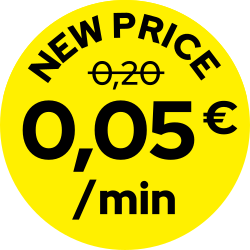
0,05€ / min.
- No registration fees
- No monthly plans or complicated pricing
-
Easy card payment


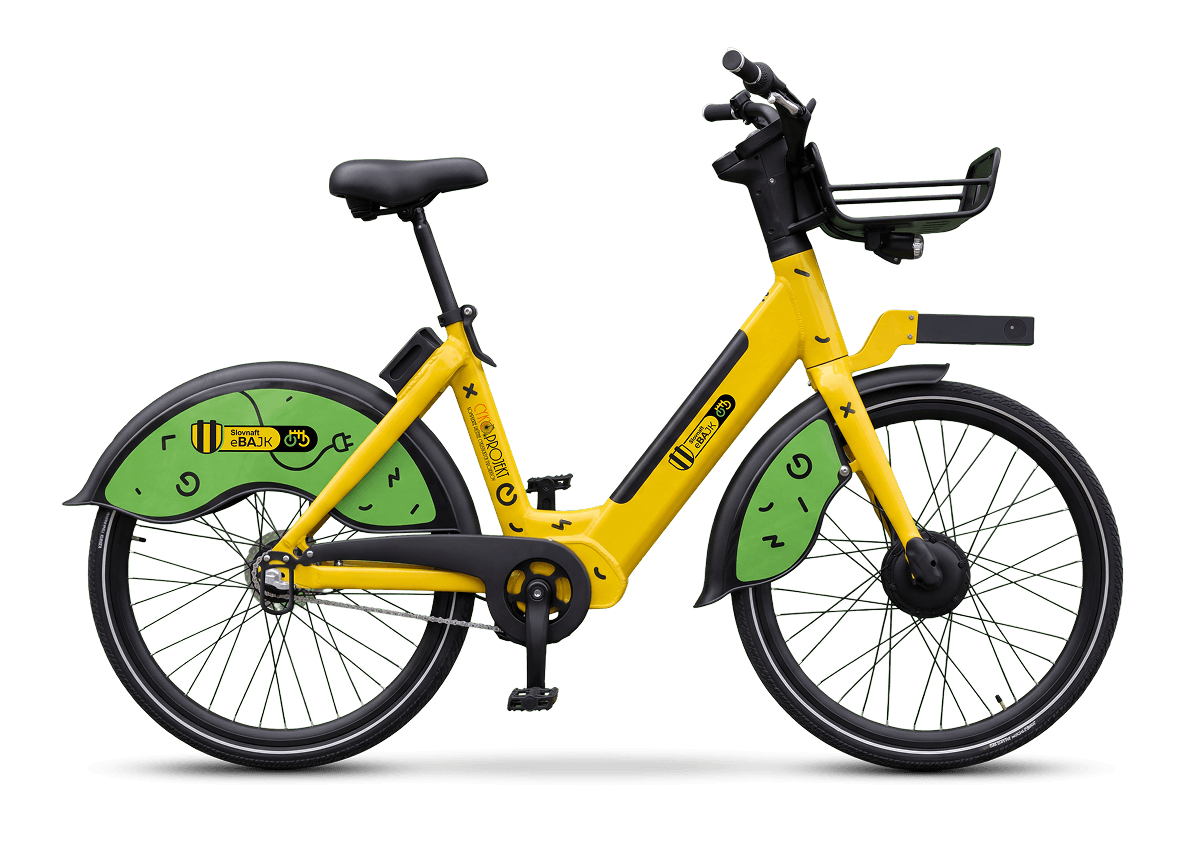
The service is operated by the Občianske združenie pre rozvoj cyklistickej infraštruktúry.
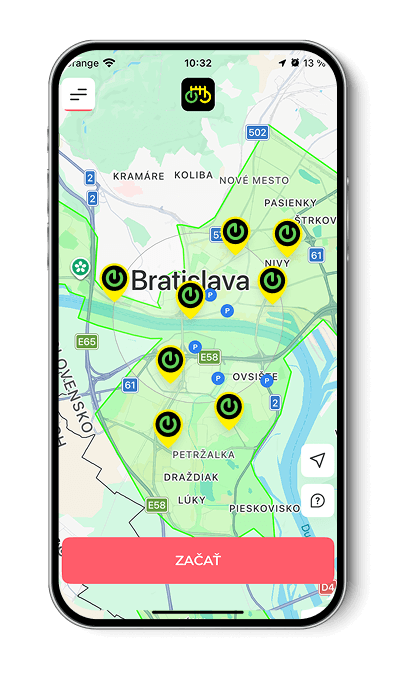
Docking station map
To view the map, please enable marketing cookies.
The map will load from Google Maps.
You can check the capacity of eBAJK docking stations and the number of available electric bikes directly in the app.
How it works
Everything is handled through your mobile phone. Download the Slovnaft eBAJK app, register, and enjoy fast and easy electric bike transport around the city.
How to register
With the app, you’ll be riding eBAJK in no time. Registration is done directly on your phone, with no lengthy setup before your first ride.
-
1
Download the app
Download the Slovnaft eBAJK app from the App Store or Google Play.
-
2
Register
Fill in your details and agree to the Terms and Conditions. Registration is free of charge.
-
3
Verify your email
Enter the 6-digit verification code sent to your email address into the app.
-
4
Add payment details
Add your payment card or use Apple Pay or Google Pay to activate your account.
How to rent an eBAJK
To play the video, please enable marketing and preference cookies.
Video sa načíta z YouTube.
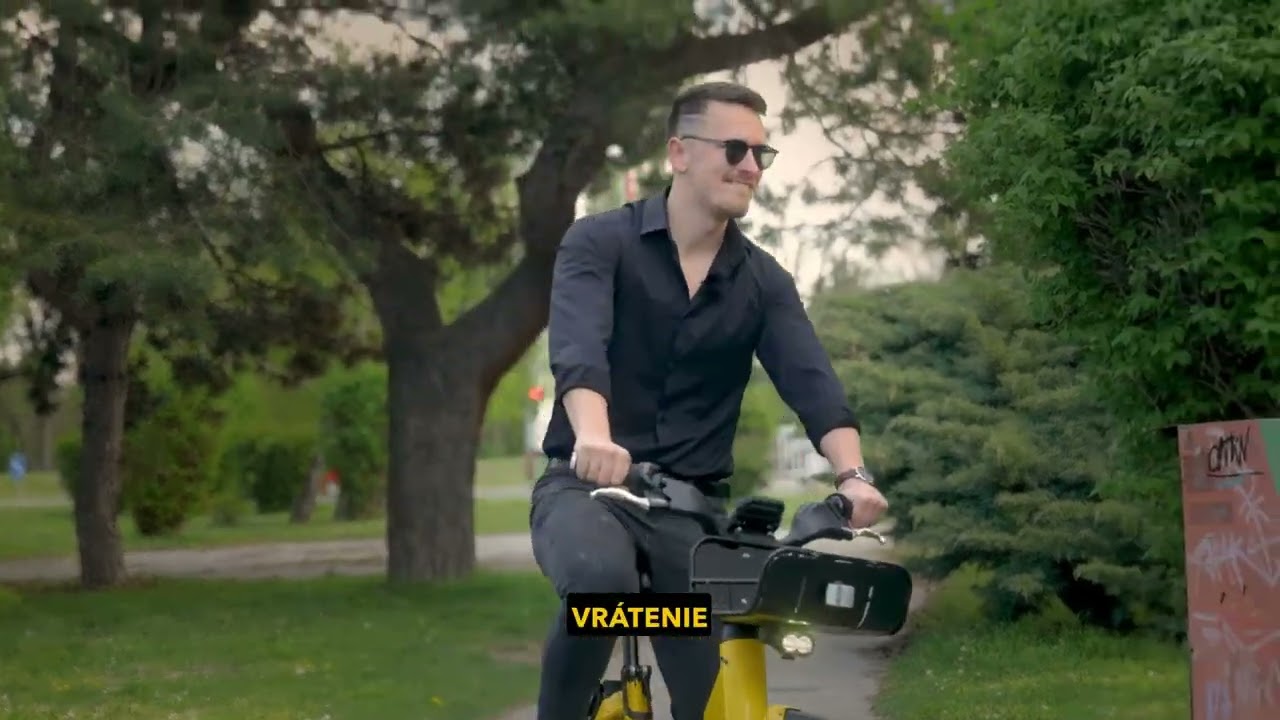
Once your account is set up, renting an eBAJK takes just a moment. Electric bikes and their docking stations are clearly marked, so you can easily recognize them in the streets.

Step 1 - Find the nearest eBAJK on the map in the app or directly at a docking station.
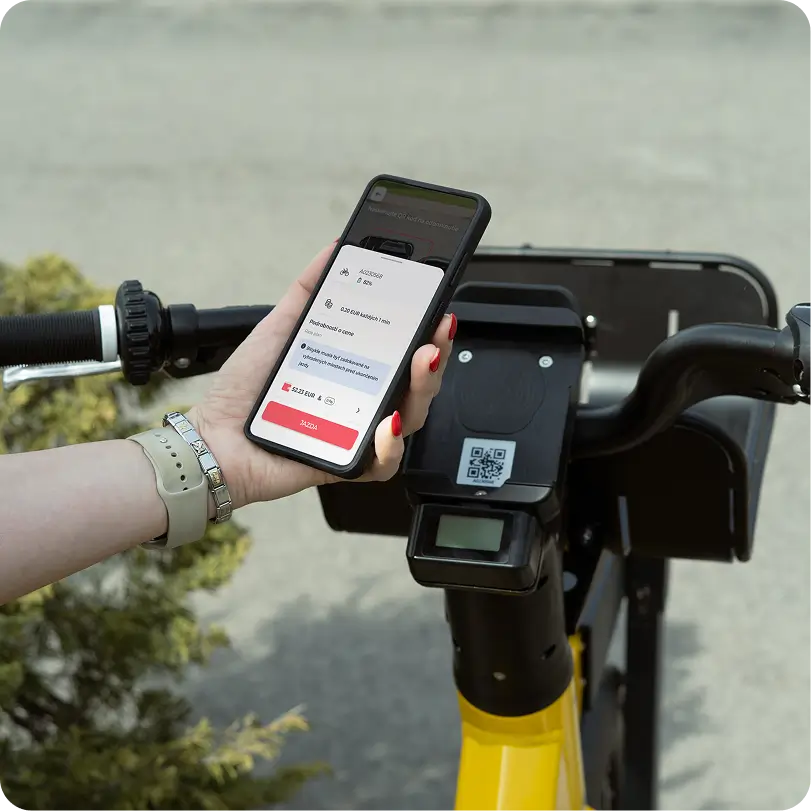
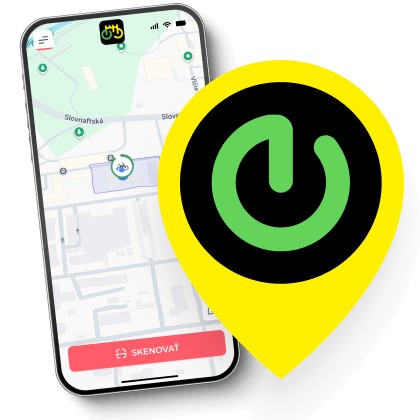
Step 2 - Tap Scan and scan the QR code on the eBAJK in the app. You can also enter the code manually.
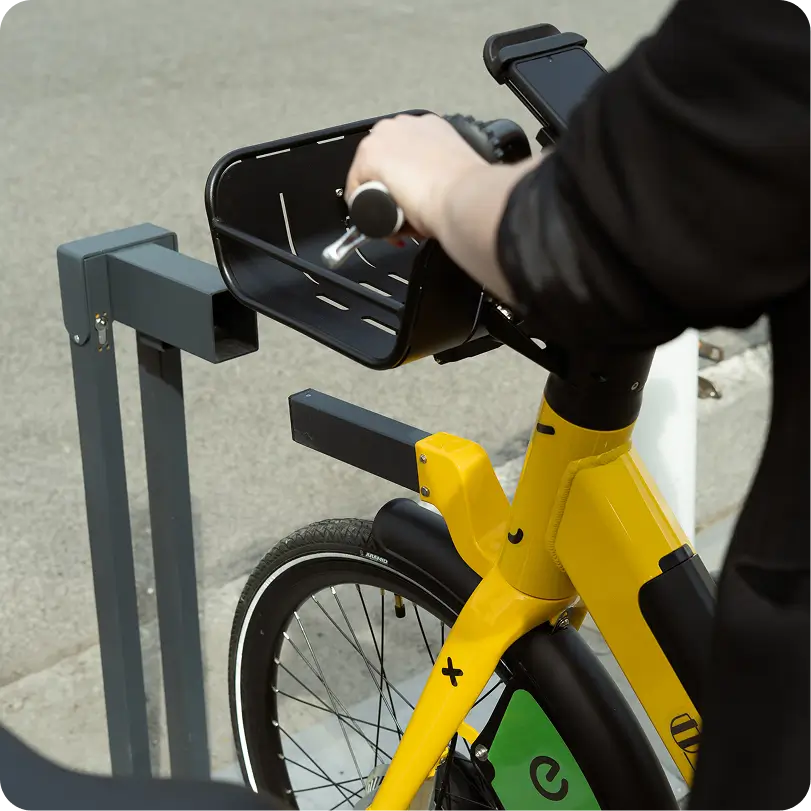
Step 3 - Tap Unlock. The lock will open automatically. Remove the bike from the dock and you are ready to ride.
How to return an eBAJK
Returning an eBAJK is just as easy as renting one. Make sure to return the bike to a docking station dedicated to electric bikes and end the rental in the app.

Step 1 - Go to an eBAJK docking station and push the bike into an available dock.
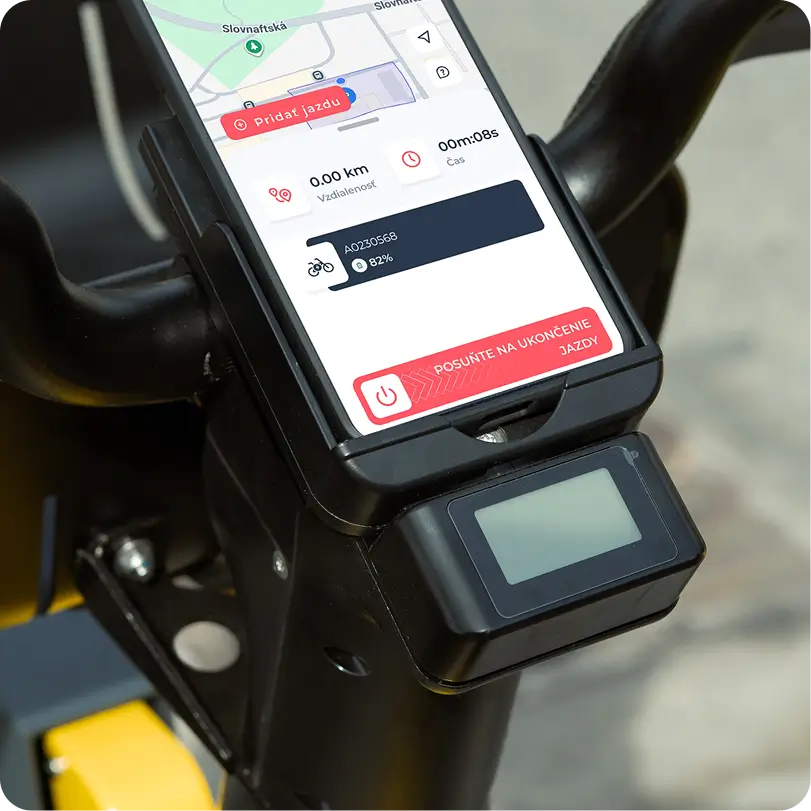
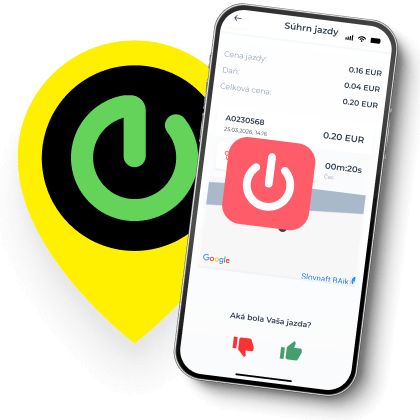
Step 2 - End the rental in the app by sliding End ride.
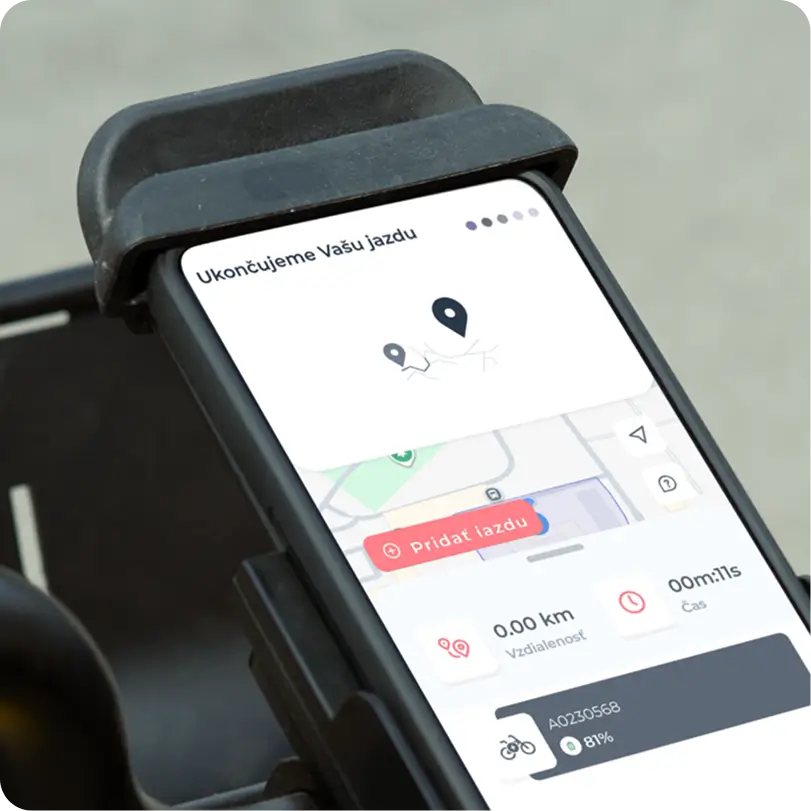
Step 3 - Wait for confirmation in the app that the ride has been successfully ended. The ride can only be ended once the bike is properly docked.
Important information:
Before the ride, 10 euros will be blocked on the user's card. After the ride is properly completed, the unused portion of this amount will be released.
Electric bikes cannot be returned to docks intended for mechanical bikes.
No free dock available?
Return the electric bike at the nearest available eBAJK docking station.
Q&A
Contact
Need help with registration, unlocking or ending a ride? We’re here for you.